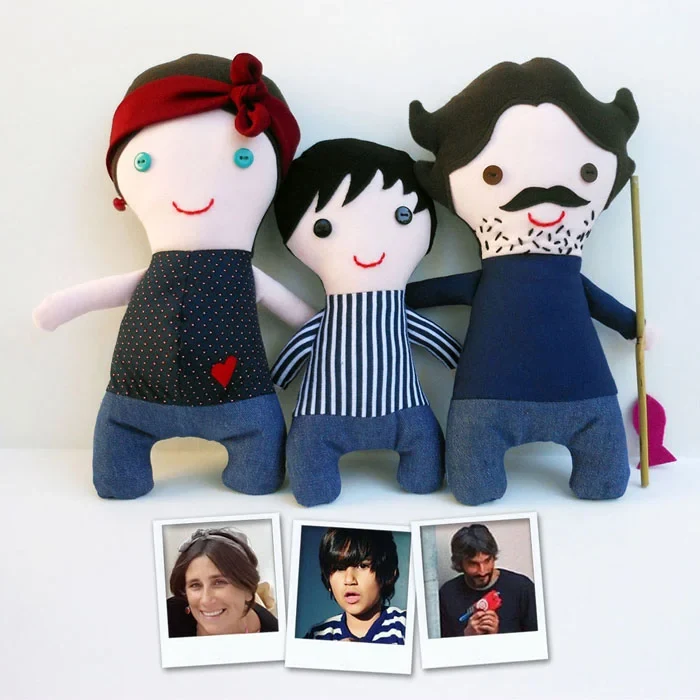
Before uploading a photograph, ask whether every part of it is useful for the custom design. A face, hairstyle or outfit may be relevant; an address on an envelope, a computer screen or a person in the background usually is not. Crop unnecessary details in your own photo editor and choose a small set of images that you have permission to use. If someone else appears, obtain suitable permission before including them in your brief.
Reference photos submitted through the custom request form are private by default. They are used to understand and discuss that request, not added automatically to the public catalogue or community. The application checks access when serving private images and removes embedded metadata during image processing. Even so, inspect the visible pixels yourself: removing metadata does not remove a street name or document that appears inside the photograph.
Your private request link and access code allow you to return to the brief, messages and design proofs. Treat them as confidential, especially if you submitted without signing in. Do not post the link in a public comment, forward it casually or include it in a screenshot. A person who receives a valid private access link may be able to open the request. Keep a copy somewhere you control.
Customer photos are not sent to the site’s content translation API. If you want an uploaded photo removed, contact the administrator with the request reference using a trusted channel; the administration area supports deleting individual private photos. Explain whether your request concerns one image or the whole request record. Public community posts are a separate feature, so review them independently before submitting. Email notifications depend on the site’s mail configuration; use the private page to check progress directly.